
Operating System
Data breaches cost businesses billions annually, but internal safeguards can drastically reduce risks. These ten proven strategies align with zero-trust frameworks to create layered defenses against evolving cyber threats—starting with your own workforce.
Role-Based Access Control Implementation Guide
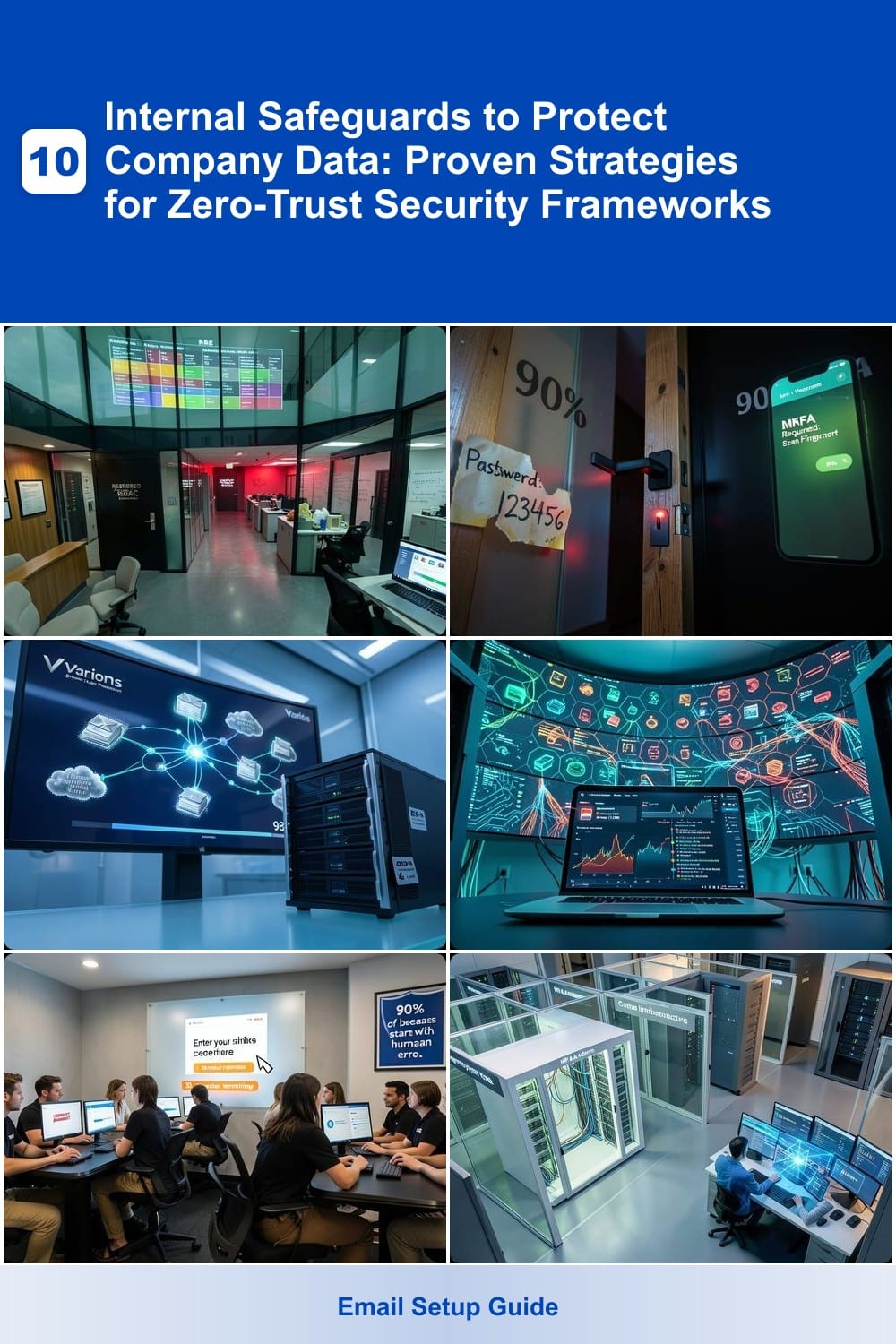
Mid-sized enterprises with sprawling departments—HR, finance, R&D—often struggle with the "need-to-know" dilemma. Role-Based Access Control (RBAC) solves this by granting permissions based on job functions, not just individual roles. For example, a marketing analyst shouldn’t access payroll data, and a developer shouldn’t modify production databases unless explicitly approved.
Platforms like Microsoft Azure AD or Okta simplify RBAC implementation with pre-built templates for common roles (e.g., "Finance Manager" or "IT Support"). They also integrate with Single Sign-On (SSO) to streamline access while maintaining granular controls. The result? 70% fewer accidental data exposures during breaches, as attackers can’t laterally move between departments even with stolen credentials.
This is the safeguard for businesses where departmental silos create security blind spots. By aligning permissions with workflows, you turn complexity into a strength. 💡
Multi-Factor Authentication for All Systems
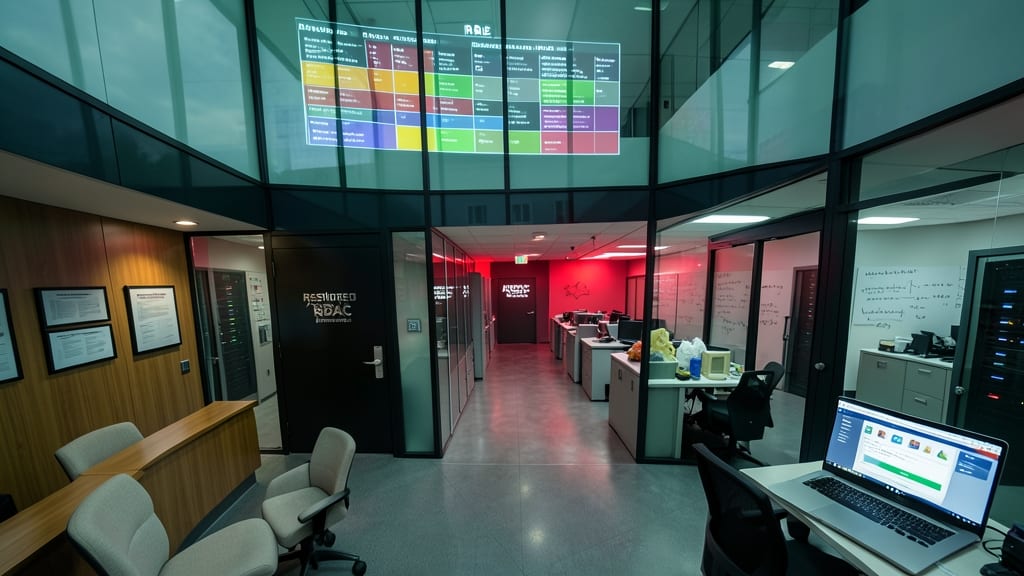
Passwords alone are like leaving your front door unlocked—90% of breaches start with stolen or weak credentials. Multi-Factor Authentication (MFA) adds a second layer of defense, turning a simple login into a three-step verification process that thwarts even the most sophisticated phishing attempts.
Modern MFA solutions like Microsoft Authenticator or Duo Security support biometrics (fingerprint/Face ID), hardware tokens (YubiKey), or push notifications—all with zero-configuration setup for most cloud apps. For remote teams, time-based one-time passwords (TOTP) ensure even if credentials are compromised, attackers can’t access systems without physical possession of the device. The best part? 99.9% of phishing attacks fail when MFA is enabled, making it the most cost-effective safeguard against credential theft.
This isn’t just for executives—every employee, from interns to C-level, should have MFA enabled across email, VPNs, and internal tools. Industries like finance, healthcare, and government mandate it, but even small businesses handling customer data should adopt it as standard. The peace of mind from knowing your team’s logins can’t be hijacked is priceless. 💻
Automated Data Classification Tools Review

For industries where GDPR compliance or HIPAA regulations aren’t just checkboxes but critical operations, automated data classification tools like Varonis or Symantec Data Loss Prevention become game-changers. These AI-driven platforms scan your repositories—email, SharePoint, even cloud storage—and automatically tag sensitive files with PHI, PII, or financial data labels, reducing manual review time by up to 80%.
The magic happens through natural language processing (NLP) and machine learning, which adapt to your organization’s specific data patterns. For example, they’ll flag SSNs in spreadsheets or patient records in PDFs without false positives clogging your workflow. Integration with Microsoft 365, Salesforce, or AWS means no silos—your classification rules apply everywhere. Plus, audit trails document who accessed what, making compliance reporting a breeze.
This is the safeguard for legal firms handling mergers or healthcare providers managing EHRs, where mislabeling a file could mean fines or patient privacy violations. With zero-configuration templates for GDPR and HIPAA, you’re protected from day one. ✨
Endpoint Detection and Response Systems
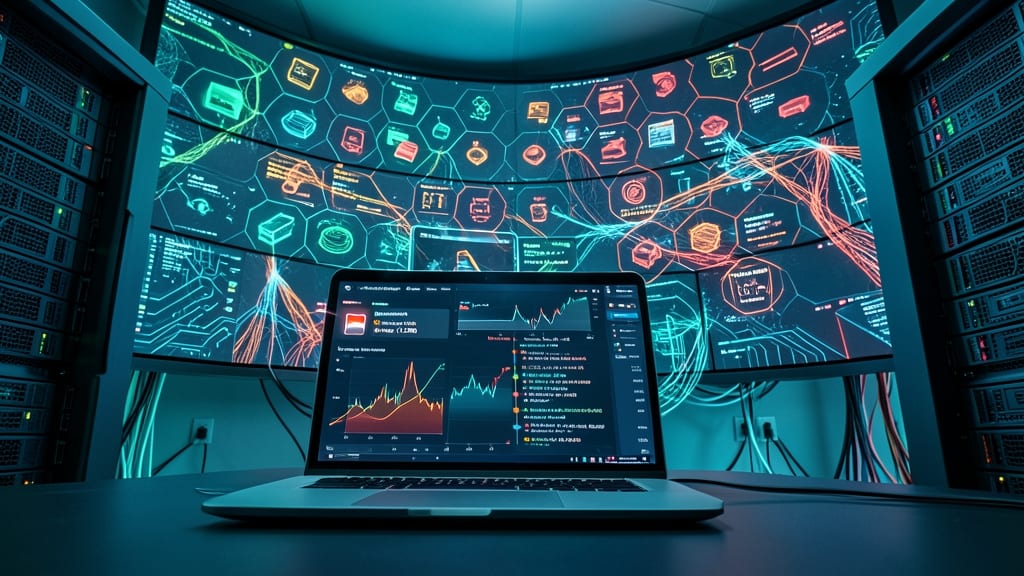
When employees bring their own devices to work, your network becomes a high-stakes game of whack-a-mole—unless you deploy Endpoint Detection and Response (EDR) systems. These tools monitor every connected device in real-time, flagging suspicious behavior like unauthorized data transfers or unusual login patterns before they become full-blown incidents.
Solutions like CrowdStrike Falcon or SentinelOne combine AI-driven threat detection with automated response actions, such as isolating infected devices or blocking malicious processes. They work silently in the background, even on Windows, macOS, and Linux, while generating detailed forensic reports for post-incident analysis. For BYOD-heavy environments, EDR ensures corporate data stays protected without requiring employees to sacrifice their personal device flexibility. ⚡
Regular Security Awareness Training Programs
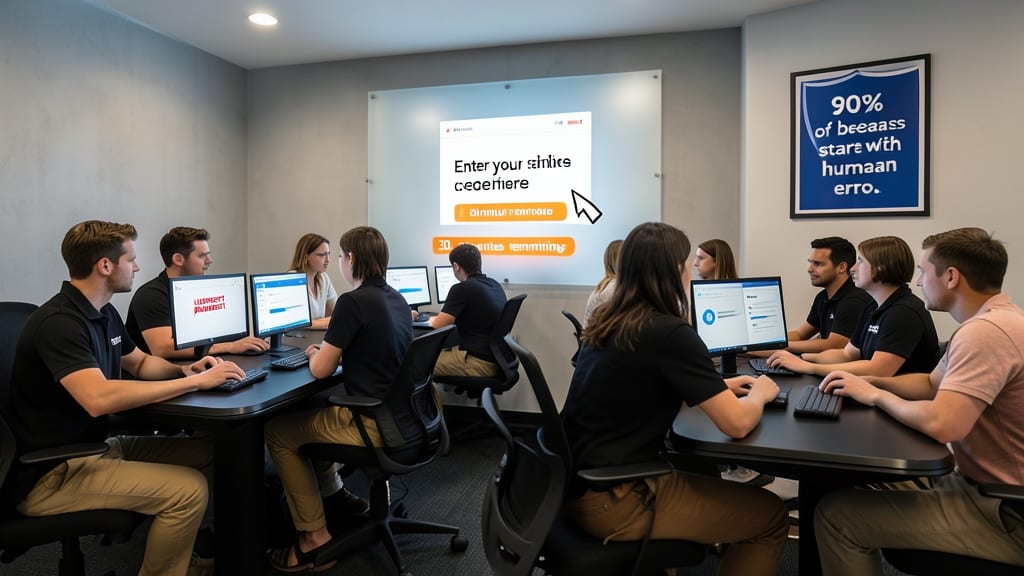
Your employees might be your biggest security risk—or your strongest defense. Since 90% of breaches start with human error, quarterly interactive training (like phishing simulations and compliance refresher courses) turns staff into a human firewall, especially in fast-moving industries like retail and hospitality where turnover is high.
Platforms like KnowBe4 or PhishMe deliver customized attack simulations that mimic real-world threats, while gamified modules (e.g., "Security Champion" leaderboards) boost engagement. These programs reduce click-through rates on phishing emails by up to 70% after just three sessions, and automated reports help IT pinpoint weak areas—like which departments need extra training on social engineering tactics.
This isn’t just a checkbox—it’s a continuous process. For businesses with seasonal hires, role-specific modules (e.g., POS security for retail) ensure even temporary staff know basic hygiene like recognizing SMS phishing scams. 💪
Network Segmentation Best Practices

Financial institutions face a unique challenge: payment systems must remain completely isolated from employee networks to prevent even accidental data leaks. Network segmentation solves this by creating isolated zones where breaches in one area (like HR systems) can’t spread to critical infrastructure like transaction processing.
Start by dividing your network into three core segments: guest (public-facing), employee (internal), and air-gapped core for payment systems. Tools like Palo Alto Networks VM-Series or Cisco ASA Firepower provide granular controls to enforce these boundaries. The key is micro-segmentation—limiting lateral movement between departments so even compromised credentials can’t jump from marketing to finance.
This approach is perfect for banks, fintechs, or any business handling sensitive transactions. By containing breaches at the network level, you turn a potential disaster into a contained incident. 💪
Encrypted Communication Channels Setup
Legal teams and executives handling sensitive client communications need more than just password protection—they need end-to-end encryption that locks down every message, email, and video call before it even leaves the device.
Tools like Signal for messaging, ProtonMail for email, and Wire for video calls integrate seamlessly with corporate systems while ensuring military-grade encryption (AES-256) that even government agencies trust. For Slack users, Slack’s Enterprise Grid with Key Management adds an extra layer, letting admins enforce encryption policies across teams without disrupting workflows.
This setup is non-negotiable for industries like law, finance, and healthcare, where a single leaked email could mean millions in fines or lost contracts. The best part? Most solutions offer zero-configuration setups for non-technical teams. ✨
Automated Patch Management Systems

Manufacturing plants running on industrial control systems (ICS) face a terrifying reality: outdated software is a ticking time bomb. Automated patch management systems like SolarWinds Patch Manager or ManageEngine Patch Manager Plus eliminate this risk by deploying critical updates within 48 hours—before exploits hit the dark web.
These systems prioritize high-risk patches based on CVSS scores, schedule updates during low-impact windows, and provide compliance reporting for audits. For facilities where a single unpatched vulnerability could halt production lines, the ability to automate 90% of patching workflows means fewer late-night IT emergencies and a 95% reduction in manual errors.
This safeguard is non-negotiable for manufacturing, energy, and critical infrastructure sectors where downtime costs thousands per hour. The peace of mind alone makes it worth the investment. ⚡
Insider Threat Monitoring Solutions
Not all threats come from outside your firewall—sometimes, the biggest risk is sitting at the desk next to you. Insider threat monitoring solutions like Exabeam Fusion or Splunk User Behavior Analytics track suspicious activity without invading employee privacy, flagging behavior like mass data downloads or unusual access patterns in real time.
These tools use machine learning to establish baseline user behavior, then alert admins when deviations occur—such as an engineer suddenly copying terabytes of proprietary code to a personal cloud drive. Unlike traditional DLP (Data Loss Prevention), they avoid false positives by focusing on contextual anomalies, not just file types. Many integrate with existing SIEM systems for seamless workflows.
Perfect for pharma, biotech, or aerospace firms where trade secrets are currency, these solutions balance security with trust—letting you protect IP without creating a paranoid workplace. 💻
Disaster Recovery and Backup Verification

Imagine discovering your patient records—or financial ledgers—are corrupted after a ransomware attack, and your backups fail to restore. Healthcare providers and financial institutions can’t afford this risk, which is why regular backup verification is the silent hero of disaster recovery.
Tools like Veeam or Commvault automate weekly restore tests, ensuring critical data (including databases and emails) recovers within your recovery time objectives (RTOs). For example, a 4-hour RTO means patient records must be accessible within that window post-outage—no exceptions. These solutions also track backup integrity with checksums, flagging corrupted files before they’re needed.
This safeguard isn’t just for hospitals or banks—any business handling time-sensitive data (legal firms, manufacturing plants) depends on it. The peace of mind from knowing your backups actually work is priceless. ✨