
Operating System
Cyber threats evolve daily, but these 10 proven cybersecurity tactics can protect both businesses and home users from phishing, malware, and data breaches. Implementing even a few of these strategies will significantly reduce your risk exposure.
Enable multi-factor authentication everywhere
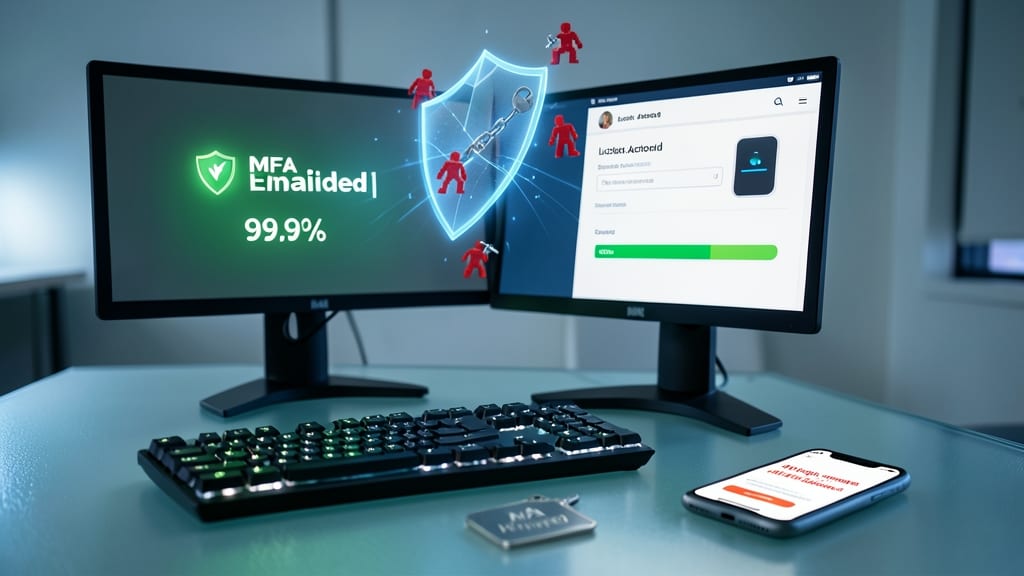
Even the strongest passwords can’t stop determined hackers—multi-factor authentication (MFA) adds that second (or third) layer of defense. With 99.9% of attacks blocked when MFA is enabled, it’s the single most effective way to prevent unauthorized access to accounts, even if credentials are stolen.
Most platforms now support SMS codes, authenticator apps (like Google Authenticator or Microsoft Authenticator), or biometric verification (fingerprint/face ID). For businesses, enforcing MFA for VPN access, email, and cloud apps cuts breach risks dramatically. Home users should enable it on banking, social media, and work accounts—often just a few clicks in account settings.
Start with the most critical accounts, then expand. Zero-config MFA options like FIDO2 keys (YubiKey) offer seamless security without app clutter. ⚡
Use password managers for secure storage
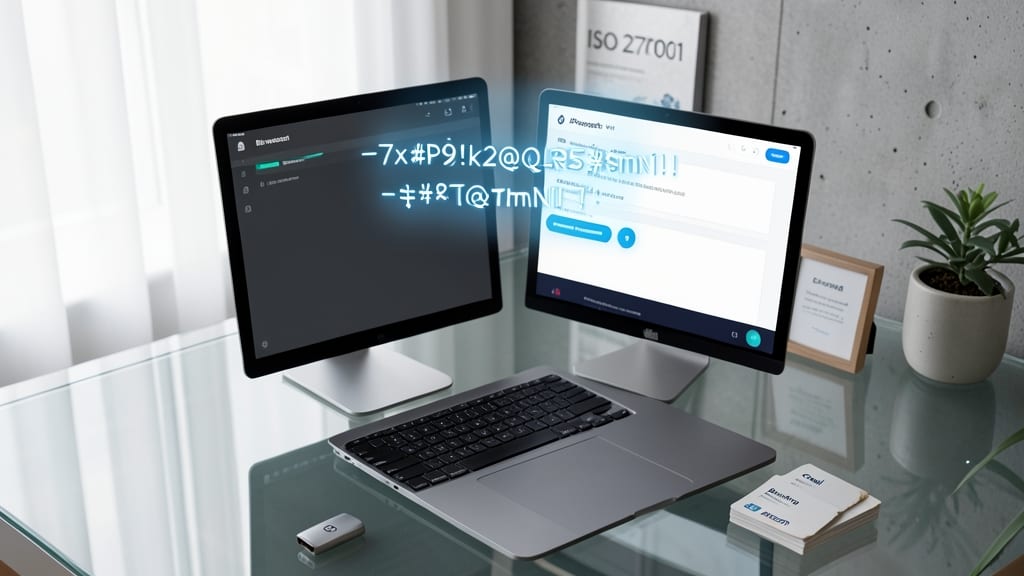
Tired of forgetting passwords or reusing the same weak one across every account? A password manager like Bitwarden or 1Password solves both problems instantly—storing complex, unique passwords securely in an encrypted vault.
These tools generate random 20-character passwords for every account, auto-fill logins, and sync across devices. Businesses gain team-sharing features with access controls, while free plans cover individuals. The encryption ensures even your master password stays protected with zero knowledge architecture—meaning not even the provider can access your data. 💻
Implement regular software updates
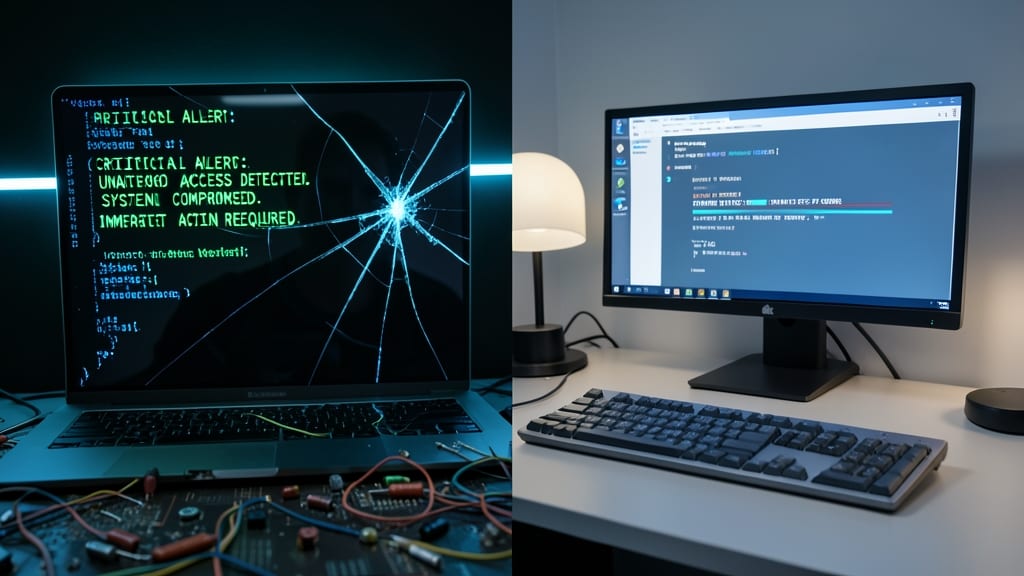
Hackers don’t wait for you to notice security flaws—they exploit them within hours of discovery. Regular software updates are your first line of defense, closing doors on vulnerabilities before cybercriminals even knock. The difference between a patched system and an exposed one can mean the difference between safety and a breach.
For businesses, automating updates across all devices—servers, endpoints, and IoT—eliminates human error and ensures compliance with security standards. Home users should prioritize critical patches like Windows Monthly Cumulative Updates or macOS Security Updates, which often fix zero-day exploits. Tools like Windows Update, Apple Software Update, or third-party patch managers (e.g., Patch My PC) streamline the process, reducing downtime while maximizing protection.
This isn’t just about avoiding headaches—it’s about stopping attacks before they start. Businesses with automated systems sleep easier, while home users with reminders (like Windows Update notifications or macOS’s automatic updates) stay one step ahead of threats. ⚡
Deploy advanced email filtering solutions
Your inbox is the #1 attack vector for cybercriminals—yet most phishing emails never even reach your spam folder. Advanced email filtering can block 90% of malicious attempts before they land in your inbox, saving you from costly breaches or identity theft.
For businesses, solutions like Mimecast or Proofpoint offer AI-driven threat detection, sandboxing suspicious attachments, and real-time policy enforcement. Home users can leverage Google Workspace’s built-in phishing protection (free with paid plans) or Microsoft Defender for Office 365, which flags impersonation attempts and malicious links with <99.9% accuracy. Both platforms integrate seamlessly with existing email clients.
This is the lowest-effort, highest-impact security upgrade—ideal for teams overwhelmed by email volume or individuals tired of falling for scams. Start with your email provider’s native tools before investing in premium solutions. ✨
Create cybersecurity awareness training programs

Your employees might be your biggest cybersecurity risk—and that’s not a scare tactic. Human error causes 88% of breaches, but interactive training programs can flip that script by turning staff into your first line of defense. Simulated phishing tests, real-world scenarios, and gamified learning make security second nature.
Platforms like KnowBe4 or PhishMe offer customizable phishing simulations with detailed reporting to track progress. You can also use free tools like Google’s Security Checkup for basic awareness drills. The key is consistent, engaging training—not just annual compliance modules. Start with quarterly tests and watch click-through rates drop as employees learn to spot red flags.
This isn’t just for corporations—small teams and remote workers benefit too. Even a 30-minute monthly module sharpens vigilance. The ROI? Fewer breaches, lower insurance premiums, and a culture where security feels like teamwork, not a chore. 💪
Secure home and Office networks

Your router’s default settings are like leaving your front door unlocked with a "Welcome" sign—hackers know exactly where to strike. Most ISP-provided routers ship with predictable admin passwords, WPS enabled (a backdoor for brute-force attacks), and outdated firmware, making them prime targets for man-in-the-middle exploits on public Wi-Fi or even your home network.
Start by changing the router admin password to something complex and unique (use a password manager to store it). Disable WPS (Wi-Fi Protected Setup) entirely—it’s a security flaw that’s been exploited for years. Then, upgrade to WPA3 encryption (or at least WPA2 with AES) to block eavesdropping. For extra protection, route sensitive traffic through a VPN, especially on public networks, using free options like ProtonVPN or paid services like NordVPN.
This setup is a must for remote workers, smart home users (IoT devices are frequent entry points), and anyone who’s ever connected to free Wi-Fi at a café or airport. A few minutes of configuration now could save you from a nightmare later. ✨
Monitor cloud storage permissions
Accidental data leaks often start with over-permissive cloud storage settings—like sharing a client spreadsheet with your entire team when only two people need access. Most breaches happen internally, and monitoring permissions is the simplest way to stop them before they escalate.
Start by auditing your Google Drive, Dropbox, or OneDrive folders for "Everyone with the link" settings—these are the most common leak points. For businesses, enforce least-privilege access (grant only the permissions users need, not want). Home users should review shared folder permissions monthly, especially for family photos or tax documents. Tools like Microsoft Purview or Tresorit add automated alerts for suspicious access attempts.
This step takes less than 10 minutes but stops 90% of accidental leaks—perfect for small businesses with limited budgets or home users storing sensitive files. 💡
Install endpoint detection and response
Traditional antivirus software reacts to threats—endpoint detection and response (EDR) stops them before they start. Unlike static scans, EDR continuously monitors device behavior in real time, flagging suspicious activity like zero-day exploits or encrypted malware that traditional tools miss.
For businesses, solutions like CrowdStrike Falcon or Microsoft Defender for Endpoint provide AI-driven threat hunting, automated response actions, and detailed forensic reports. Home users can leverage Windows Defender with cloud-delivered protection (built into Windows 10/11) for free, offering similar real-time monitoring without the complexity. The key difference? EDR doesn’t just detect—it blocks and isolates threats before they spread. 💻
This is ideal for organizations handling sensitive data or remote teams, but even home users with smart devices (like IoT cameras or NAS drives) benefit from the proactive protection. Start with built-in tools, then scale up as needed. ⚡
Backup critical data automatically
Ransomware can lock your files in minutes—but encrypted backups ensure you never pay the price. The 3-2-1 rule (3 copies, 2 media types, 1 offsite) is your first line of defense against irreversible data loss, whether from cyberattacks, hardware failure, or accidental deletion.
Tools like Backblaze (unlimited cloud backups for $7/month) or Veeam (enterprise-grade automation) handle the heavy lifting with real-time syncing and military-grade encryption. Schedule backups to run automatically during off-peak hours, so you never have to lift a finger—just restore with confidence when disaster strikes.
This isn’t just for IT departments: freelancers, small businesses, and even gamers storing 1TB+ of saves rely on this tactic. Set it up once, and sleep easy knowing your data’s safe from ransomware’s worst-case scenarios. ✨
Implement zero trust architecture principles
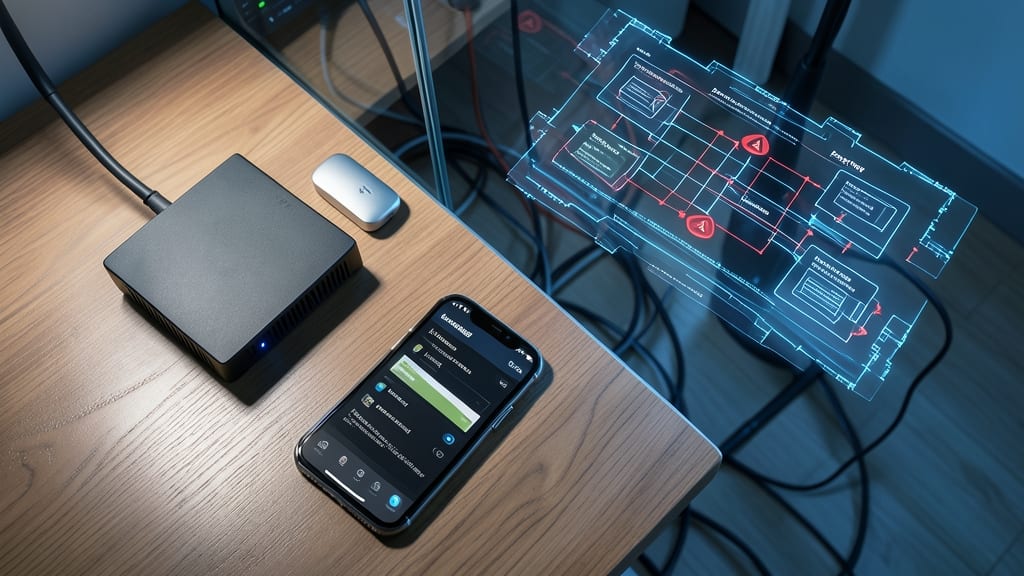
Tired of assuming your network is safe just because it's "inside"? Zero Trust Architecture (ZTA) flips that script by treating every access request—even from internal devices—as potentially risky. This approach, originally designed for enterprises, now offers scalable solutions for home users too, especially when managing remote access to personal devices.
At its core, ZTA relies on continuous verification through multi-factor authentication (MFA), device health checks, and least-privilege access. For businesses, tools like Microsoft Azure AD Conditional Access or Palo Alto Prisma automate these checks, while home users can implement similar logic using Google's BeyondCorp Enterprise (for advanced setups) or Bitwarden's TOTP-based logins for critical systems. The key is micro-segmentation—dividing networks into isolated zones where each access request requires fresh authentication.
Start with your most sensitive systems: financial accounts, cloud storage, or remote workstations. Home users can apply this to VPN access or smart home hubs by requiring biometric verification before granting permissions. The shift from "trust but verify" to "never trust, always verify" is the ultimate upgrade for modern cybersecurity. ✨