
Tip & Trick
Remote work offers flexibility but exposes your data to new risks. These 10 security best practices will help you create a fortified digital workspace—without sacrificing productivity or convenience.
Two-Factor Authentication for Every Account
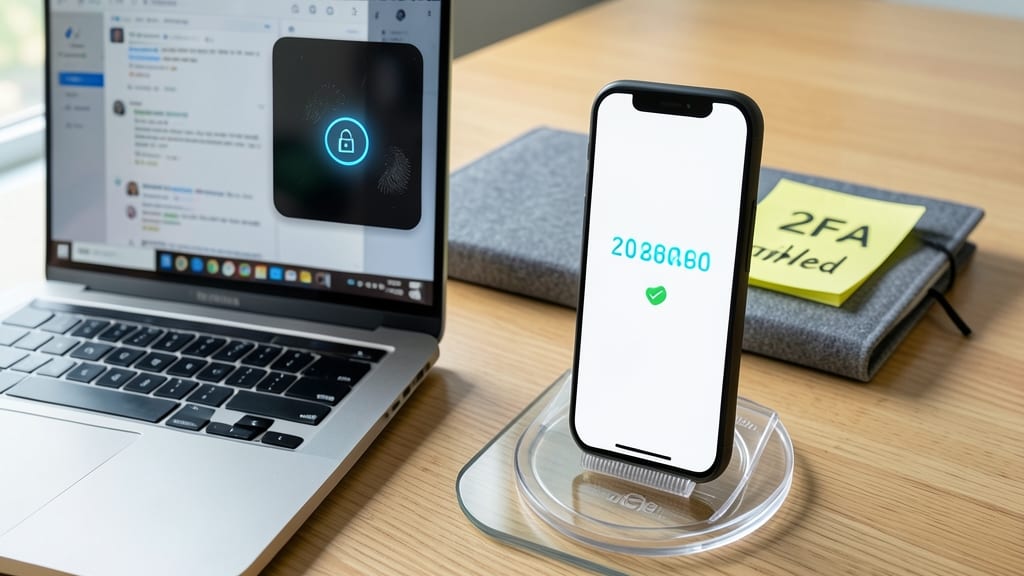
Credential theft is the #1 way hackers breach accounts—yet two-factor authentication (2FA) can block 90% of brute-force attacks with minimal effort. Start with your most critical accounts (email, VPNs, cloud services) to create an impenetrable first line of defense.
Most services support SMS codes, authenticator apps (like Google Authenticator or Authy), or hardware keys for frictionless security. The best approach? Use time-based one-time passwords (TOTP) via an app—it’s more secure than SMS and works offline. For extra protection, YubiKey hardware tokens add phishing-resistant verification for high-risk logins.
Remote workers, freelancers, and teams handling sensitive data should prioritize this zero-cost upgrade. Even if you only enable 2FA on three accounts today, you’ve just eliminated the easiest attack vector for cybercriminals. ✨
VPN Usage on Public and Home Networks
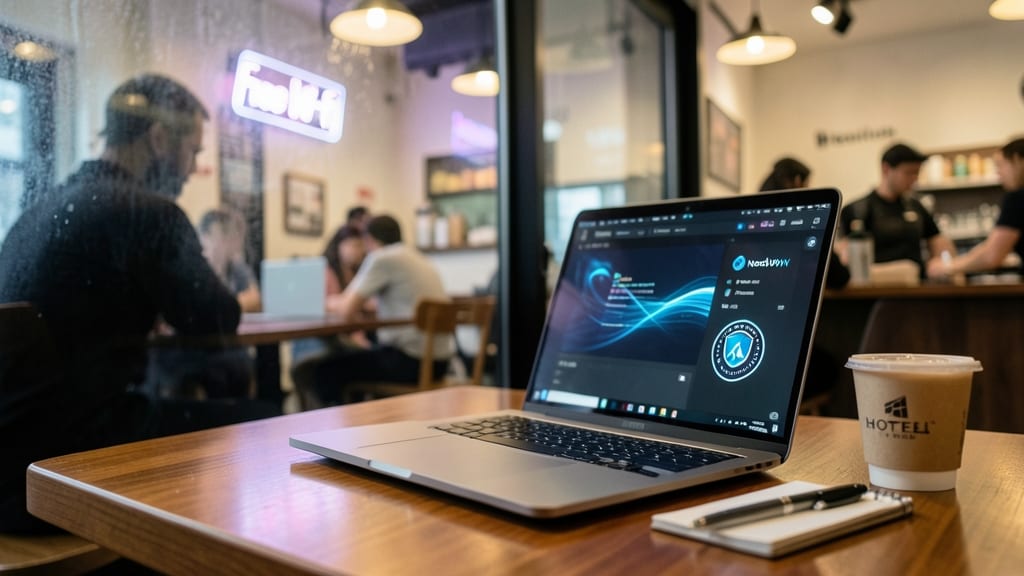
Public Wi-Fi at coffee shops or hotels is convenient—but also a hacker’s playground. A VPN (Virtual Private Network) creates an encrypted tunnel for all your traffic, shielding sensitive work data from prying eyes on unsecured networks.
Modern VPNs like NordVPN or Cisco AnyConnect offer military-grade AES-256 encryption, ensuring even your company emails stay private. They also mask your IP address, preventing ISP throttling or location tracking. For remote workers, split tunneling lets you route only work traffic through the VPN while keeping personal browsing local.
This is non-negotiable for freelancers, contractors, or anyone handling client data. Even at home, a VPN adds an extra layer if your router’s security isn’t airtight. ⚡
Secure Password Manager Implementation
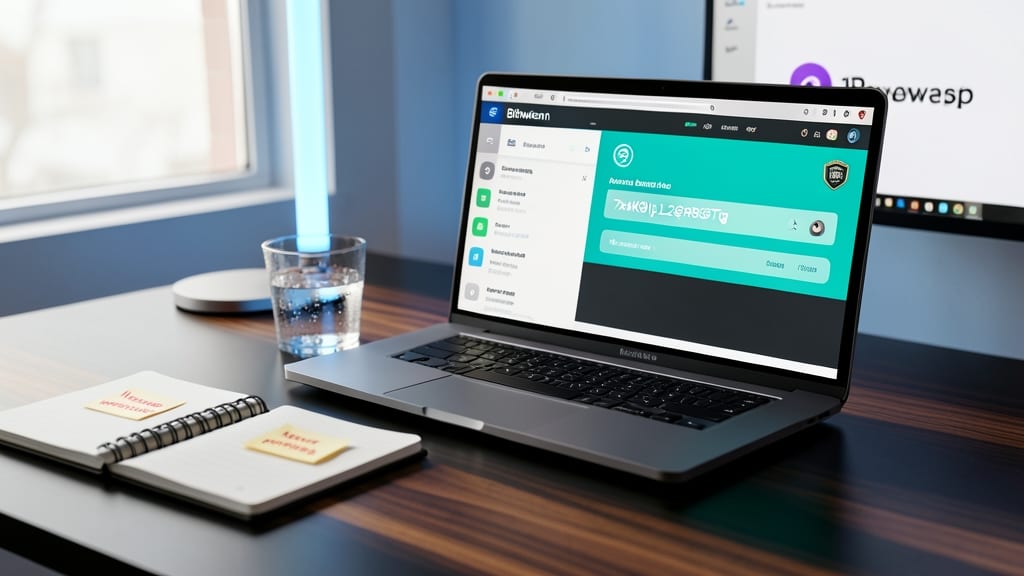
Tired of reusing the same weak passwords across accounts? A secure password manager like Bitwarden or 1Password eliminates this risk by generating and storing unique 16+ character credentials for every login—no more "Password123" for your bank account.
These tools create military-grade encryption for your vault, sync across devices, and even fill credentials automatically. For teams handling client data or financial systems, shared vaults with role-based access ensure compliance without compromising security. The best part? Most offer free tiers with enterprise-grade features.
Perfect for remote workers in finance, legal, or healthcare—where a single breach can mean devastating consequences. 💻
Device Encryption for Laptops and Phones

Losing a laptop or phone isn’t just an inconvenience—it’s a potential data disaster unless you’ve enabled full-disk encryption. This feature scrambles all files so even if a device falls into the wrong hands, your sensitive work emails, client records, or personal files remain locked away. It’s not just smart; in many industries, it’s legally required.
Modern operating systems make this effortless: Windows BitLocker, macOS FileVault, and iOS/Android encryption activate with minimal setup. For Windows, BitLocker integrates seamlessly with Active Directory for enterprise management, while Apple devices encrypt by default. Even Android now offers device encryption as a standard security feature—just enable it in settings. The performance impact is negligible, and recovery options ensure you’re never locked out of your own data.
This is your first line of defense against HIPAA violations, GDPR fines, or accidental exposure of trade secrets. Healthcare providers, legal teams, and finance professionals should prioritize this—it’s the digital equivalent of a deadbolt on your front door. ✨
Regular Software Updates and Patches
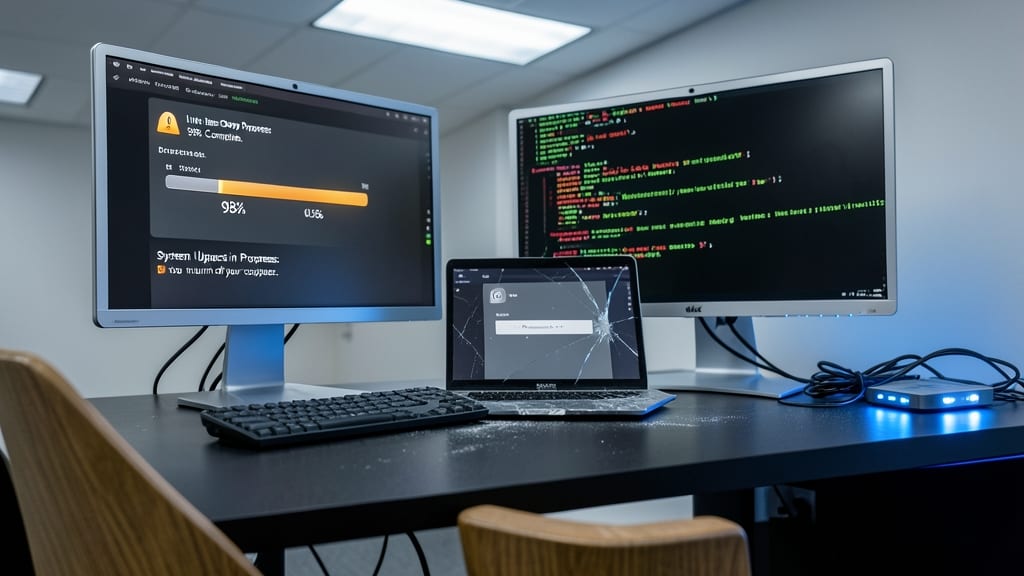
Malware doesn’t wait for your permission to exploit weaknesses—so why should you? Automated software updates are your first line of defense against zero-day vulnerabilities that hackers weaponize within hours of discovery. Skipping patches leaves gaps that even the most secure password or VPN can’t close.
Most operating systems (Windows, macOS, Linux) and productivity apps (Microsoft Office, Chrome, Zoom) now offer one-click update automation—set them to install critical security patches immediately without manual intervention. Tools like Windows Update, Apple Software Update, or Patch Management solutions (e.g., PDQ Deploy) streamline this for teams. Even a single unpatched app can become a backdoor for ransomware or spyware.
This is non-negotiable for remote workers in finance, healthcare, or legal fields, but even casual users should enable it—80% of cyberattacks target known vulnerabilities. Set it and forget it. ✨
Phishing Email Recognition Training
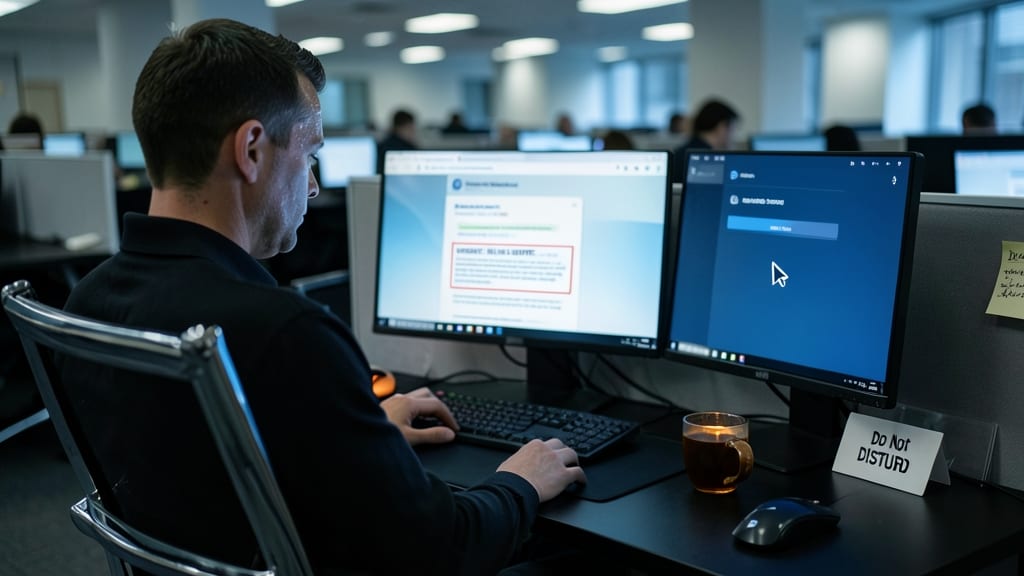
Cybercriminals don’t just rely on obvious scams—they craft hyper-realistic spear-phishing emails that mimic internal communications or trusted vendors. In healthcare and finance, these attacks bypass technical defenses by exploiting human psychology, making training the last line of defense.
Platforms like KnowBe4 or PhishMe simulate real-world attack scenarios with customizable templates, including fake invoices, urgent "password reset" requests, or CEO impersonations. Interactive modules teach you to spot suspicious email headers, misspelled domains, and unusual sender addresses—red flags even advanced tools might miss. Most programs also include phishing simulation tests to measure improvement over time.
This training is a must for remote teams in regulated industries where a single click could expose patient records or financial data. Even non-technical staff benefit—90% of successful breaches start with a phished credential. 💡
Physical Security for Home Workspaces
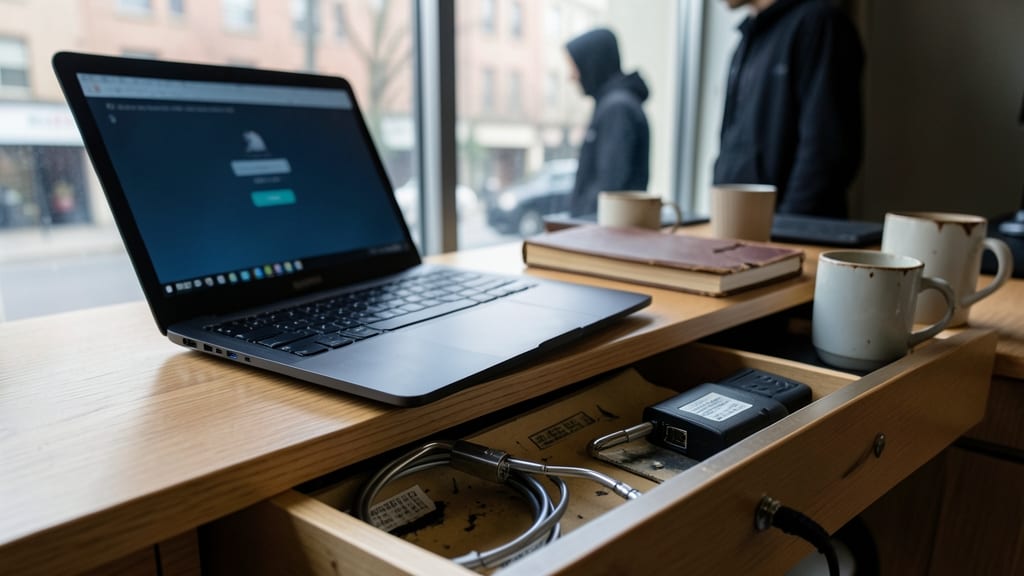
Your digital defenses might be strong, but what happens when someone just walks off with your unlocked laptop? Physical security is the final layer most remote workers overlook—yet it’s the simplest way to prevent theft, shoulder-surfing, and unauthorized access to sensitive hardware.
Start with a cable lock (like the Kensington Security Cable) to bolt your laptop to your desk—it takes seconds to install and stops opportunistic theft in its tracks. Add a privacy screen filter (such as the 3M Anti-Glare Privacy Filter) to your monitor to block prying eyes from reading your screen at coffee shops or shared spaces. For physical documents, a fireproof safe (like the SentrySafe) with a combination lock keeps contracts or client data secure from both theft and fire damage.
This setup is perfect for freelancers, contractors, or anyone working in shared spaces like co-working hubs. Even a quick glance at your screen can expose passwords or sensitive data—**lock it down physically before someone else does. ✨
Secure File Sharing Protocols
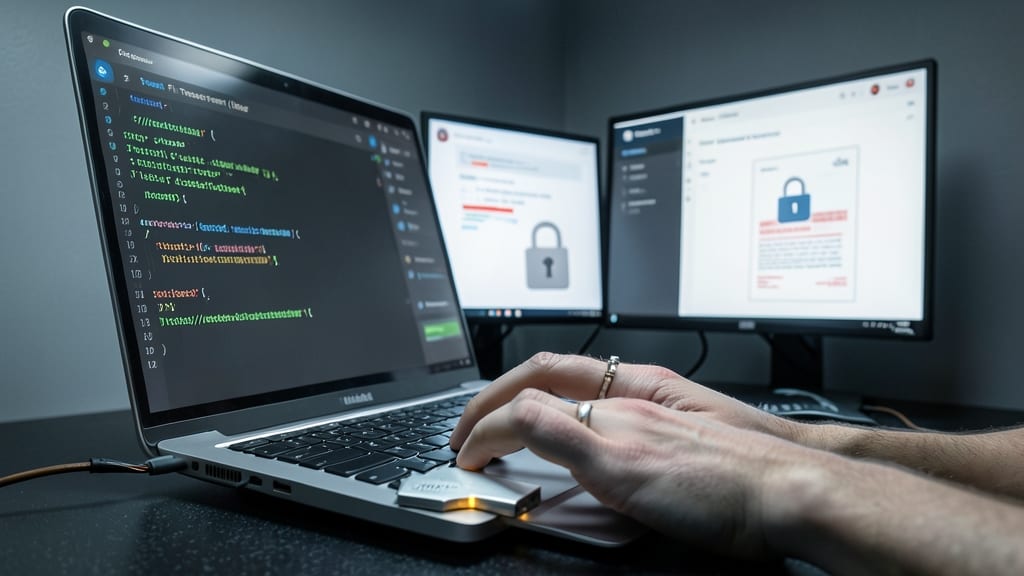
Email attachments are the #1 way confidential files get leaked—but end-to-end encrypted protocols like Secure File Transfer Protocol (SFTP) or Tresorit change that entirely. These tools ensure files stay locked during transit and at rest, so even if intercepted, they remain unreadable without the correct decryption key.
Platforms like Boxcryptor integrate with cloud storage (Google Drive, Dropbox) to add AES-256 encryption, while Proton Drive offers zero-knowledge architecture, meaning not even the provider can access your data. For legal teams, DocuSign eSignature with PGP encryption ensures contracts are both legally binding and tamper-proof. These solutions replace risky email chains with audit trails and compliance-ready workflows.
Ideal for healthcare providers (HIPAA compliance) or legal firms (client confidentiality), these protocols eliminate the guesswork of "secure enough" file sharing. 🔧
Remote Desktop Protocol Security
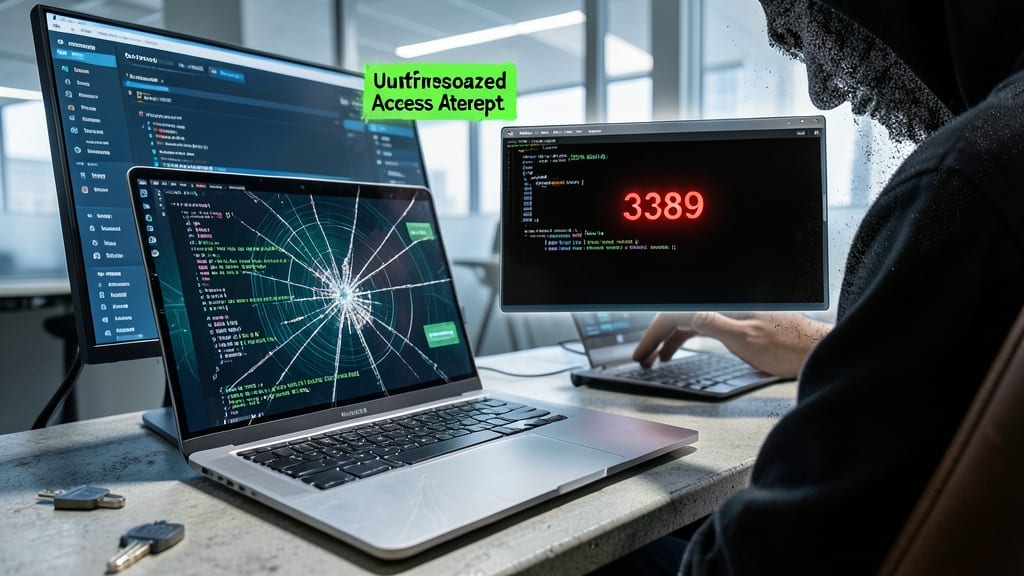
Remote Desktop Protocol (RDP) is a double-edged sword—it enables seamless access to company systems but also creates a prime target for hackers. Without proper security, an exposed RDP port can lead to brute-force attacks, credential theft, or even full system compromise in minutes.
To lock it down, enable network-level authentication (NLA) to verify credentials before establishing a connection. Pair this with multi-factor authentication (MFA)—Microsoft’s built-in Azure MFA or Duo Security—to add an extra layer. Limit RDP access to specific IP ranges or VPN-only connections, and disable the default port 3389 to avoid automated scans. These tweaks reduce attack surfaces by 90% while keeping remote access functional.
This setup is ideal for IT admins managing remote teams or developers needing secure server access. With minimal configuration, you’ll eliminate the most common RDP vulnerabilities without sacrificing productivity. ✨
Incident Response Plan Creation

A data breach isn’t just a tech problem—it’s a business crisis that can halt operations and trigger costly legal battles. That’s why having an incident response plan isn’t optional; it’s your safety net when prevention fails, especially for businesses processing payment data or handling sensitive client records.
Start by documenting six critical steps: isolate affected systems immediately, notify leadership and compliance teams, preserve evidence (logs, emails), contain the breach, and launch a forensic investigation. Include contact lists for IT, legal, and PR teams, plus a communication template for customers and regulators. Tools like Splunk or IBM Resilient can automate breach detection and response workflows.
This plan is non-negotiable for SMBs handling PCI compliance or healthcare providers under HIPAA. Even solo freelancers should outline basic steps to limit fallout from a compromised device. The goal? Reduce downtime from days to hours—because every minute counts. ✨