
Software
Struggling with inconsistent date and time formats across software and systems? These 10 universally recognized formats ensure seamless compatibility in databases, APIs, spreadsheets, and programming—saving you hours of debugging and reformatting.
ISO 8601 Standard Date Format
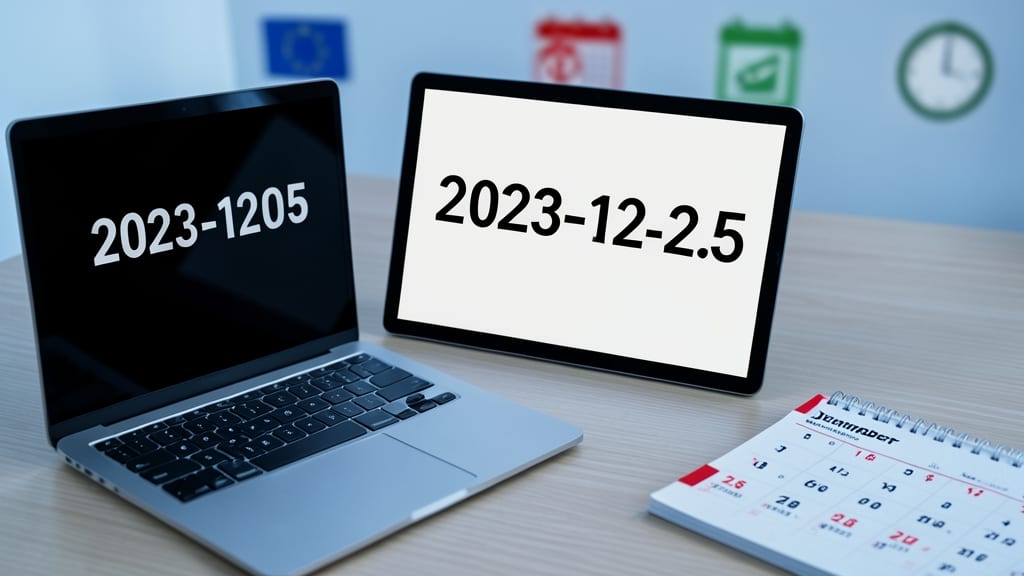
Tired of dates breaking across systems? The ISO 8601 standard (YYYY-MM-DD) solves this once and for all. Unlike ambiguous formats like MM/DD/YYYY or DD/MM/YYYY, ISO 8601 sorts chronologically by default—no matter where you’re working. It’s the only format where "2023-12-25" will always mean December 25, 2023, in databases, APIs, and logs worldwide.
Adopted by UN, NASA, and the W3C, this format integrates seamlessly with programming languages (Python’s datetime, JavaScript’s Date.parse()) and databases (PostgreSQL, MySQL). Even Excel and Google Sheets support it natively. The YYYY-MM-DD HH:MM:SS extension adds time precision, while ISO 8601 durations (e.g., P3DT5H for 3 days and 5 hours) handle time calculations without ambiguity.
Perfect for global teams, developers, and sysadmins—anyone who needs dates to work exactly the same across platforms. No more "Is this 12/25 or 25/12?" headaches. ⚡
US MM/DD/YYYY Date Format
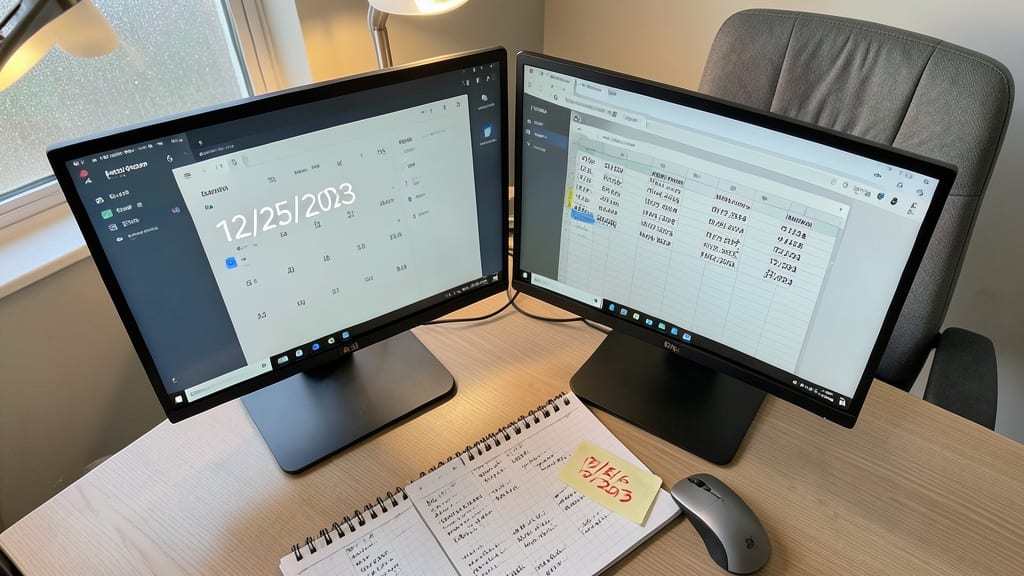
If you’ve ever copied a date from a US-based app—like a Windows calendar or Excel—and seen it misinterpreted as DD/MM/YYYY (e.g., "12/25/2023" becoming December 25th instead of the 12th), you’ve hit the MM/DD/YYYY quirk. This format is deeply embedded in Windows, Microsoft Office, and US consumer software, but its lack of separators makes it a global compatibility minefield.
The format uses month/day/year (e.g., 12/25/2023 for Christmas), which works flawlessly in US systems but fails in day-first cultures like the UK or Australia. Even a simple CSV export can turn into a nightmare if not validated. Tools like Python’s datetime.strptime() or Excel’s custom formatting can help enforce correct parsing, but the onus is on developers and users to avoid assumptions.
This format is a must-know for US-based developers, small business owners using Windows systems, and anyone collaborating with international teams. Just remember: when in doubt, validate or convert—don’t assume! 💻
European DD/MM/YYYY Date Format

When European businesses sign contracts or process invoices, DD/MM/YYYY isn’t just a preference—it’s a necessity. This format ensures clarity by placing the day first (e.g., 25/12/2023), eliminating ambiguity that could lead to costly legal or financial errors in day-first cultures like the UK, Germany, or France.
Unlike the US format, which risks misinterpretation as MM/DD/YYYY, this structure aligns with regional standards in accounting software (e.g., SAP, QuickBooks Europe) and government systems. It’s also the default in Excel for European locales, reducing manual reformatting when working with cross-border data.
Ideal for finance teams, legal professionals, and developers handling European data—where precision in dates directly impacts compliance and trust. ✨
24-Hour Military Time Format

When every second counts—like in military operations, flight schedules, or hospital shifts—the 24-hour military time format (HH:MM) removes ambiguity entirely. Unlike AM/PM systems, this format uses 00:00 to 23:59, ensuring no confusion between 1:00 AM and 1:00 PM, even under pressure.
Widely adopted in NATO, aviation, and healthcare systems, it’s the go-to for precision scheduling where miscommunication could have critical consequences. For example, 14:30 is always 2:30 PM worldwide, while 02:30 could mean either 2:30 AM or PM in 12-hour formats. Many programming languages and databases (like Python’s datetime module) natively support it, making it easy to implement.
This format shines in logistics, emergency services, and global coordination where clarity trumps regional conventions. ⚡
12-Hour AM/PM Time Format
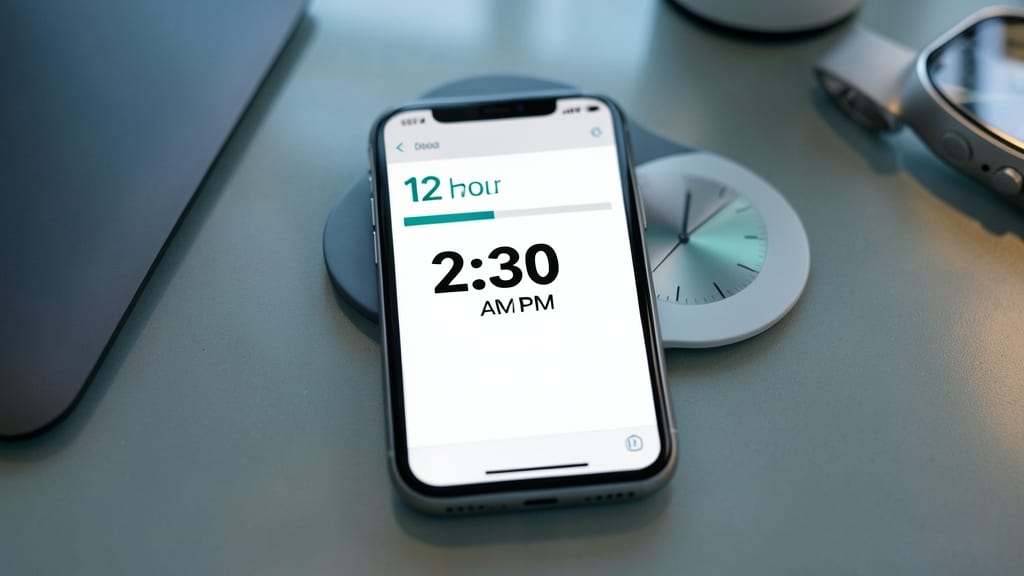
If you’re working with US consumer apps—like Outlook, iOS Calendar, or Android Clock—you’ve likely seen 2:30 PM more often than 14:30. The 12-hour AM/PM format is deeply embedded in everyday software, but its reliance on explicit indicators (AM/PM) creates hidden risks for automated systems.
Unlike 24-hour time, this format requires strict parsing to avoid ambiguity. For example, "2:30" alone could mean midnight or afternoon without the AM/PM suffix. In APIs, logs, or databases, omitting these indicators forces developers to implement custom validation—adding unnecessary complexity. Even simple scripts may fail if the input isn’t standardized.
This format shines in user-facing applications where readability matters more than machine processing, like weather apps or retail schedules. For developers, though, it’s a reminder to always validate inputs when dealing with legacy systems or mixed-format data. ✨
Unix Timestamp Format

Need a format that’s machine-friendly and timezone-agnostic? Unix timestamps—simple integer values representing seconds since January 1, 1970 (UTC)—are the backbone of backend systems, APIs, and logs. Unlike human-readable dates, they eliminate parsing errors and work flawlessly across languages and operating systems.
For example, the timestamp 1671996800 corresponds to December 25, 2022, 00:00:00 UTC. This format powers everything from Linux date commands (date +%s) to JavaScript’s Date.now() and database indexing. Since it’s purely numeric, calculations like "time elapsed" or "expiry checks" become trivial—just subtract two timestamps.
Backend developers and sysadmins rely on Unix timestamps for zero-config time handling, making them ideal for cron jobs, analytics pipelines, and distributed systems where consistency matters. ⚡
RFC 2822 Email Date Format
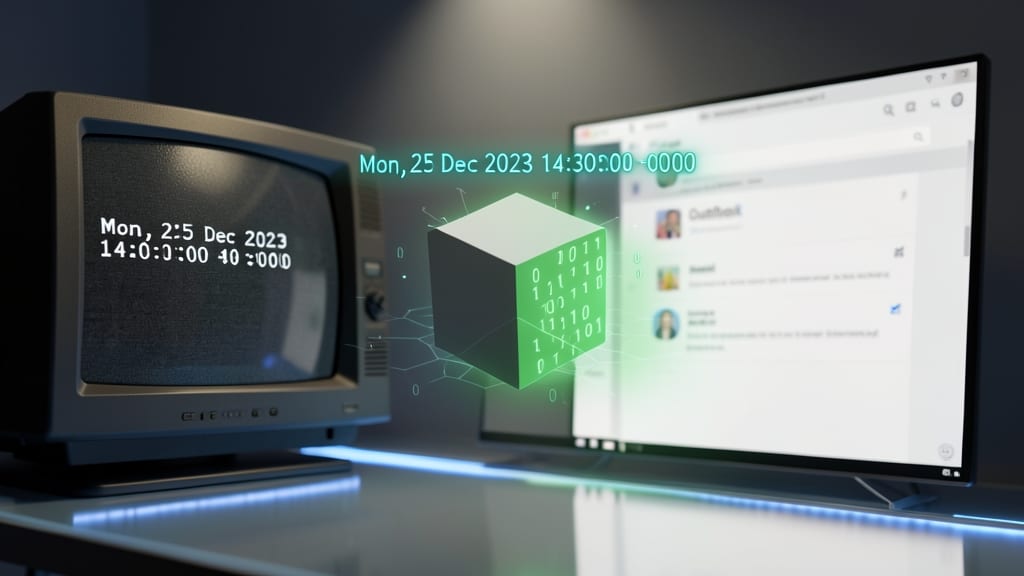
If your emails disappear into the void or timestamps get mangled across platforms, RFC 2822 is the unsung hero of email compatibility. This standard defines how dates appear in headers (like Mon, 25 Dec 2023 14:30:00 +0000), ensuring every client—from Outlook to Gmail—interprets them correctly.
The format includes day abbreviation, month name, day number, year, time (24-hour), and timezone offset, all packed into a predictable structure. Unlike Unix timestamps or ISO 8601, it’s designed for human readability while maintaining machine parsing. Most email servers enforce it by default, so you’ll rarely see misaligned dates in inboxes.
This is the go-to for developers parsing email metadata, sysadmins troubleshooting mail servers, and anyone dealing with international email workflows. 💻
SQL DateTime Format

When your database queries hinge on precise timestamps, the SQL DateTime format (YYYY-MM-DD HH:MI:SS) becomes your best friend. Unlike human-readable formats, this standardized structure ensures zero ambiguity when storing or retrieving data in MySQL, PostgreSQL, or SQL Server, avoiding timezone pitfalls that trip up other systems.
This format stores dates and times in a fixed-width string, where YYYY-MM-DD guarantees chronological sorting (no "01/02/2023" vs. "02/01/2023" debates), while HH:MI:SS captures time down to the second. Most database engines default to this format for internal storage, and tools like phpMyAdmin or pgAdmin automatically convert inputs to match it.
Developers and database administrators rely on this format for joins, filters, and reporting where accuracy matters most. ⚡
JSON Date-Time Format

When your web app needs to handle dates with millisecond precision—like tracking real-time events or API responses—JSON Date-Time Format is the go-to choice. Unlike generic ISO 8601, it includes milliseconds (e.g., '/Date(1671996800000)/') and is specifically optimized for JavaScript, ensuring consistency across browsers and frameworks.
This format wraps Unix timestamps in a custom wrapper (e.g., new Date(1671996800000)) for seamless parsing in JavaScript, while still adhering to ISO 8601 structure. It’s the default in ASP.NET APIs and widely adopted for frontend-backend communication, where sub-second accuracy matters—like live dashboards or financial transactions.
Developers building APIs or real-time systems will rely on this format to avoid rounding errors. It’s the unsung hero of precise timekeeping in the web stack. ⚡
Excel Custom Date Formats
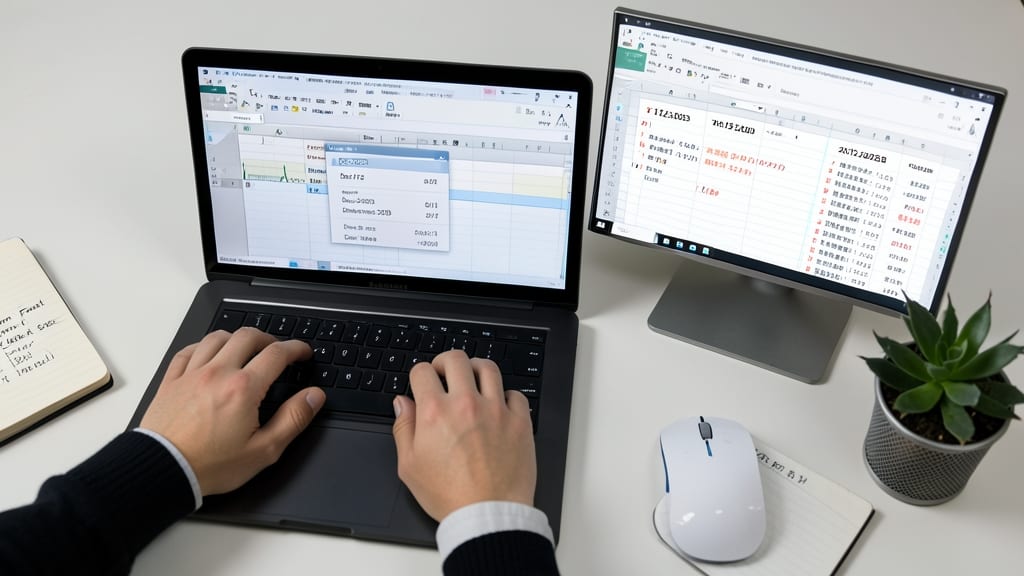
Tired of rigid date formats clashing with your team’s regional preferences? Excel’s custom date formats let you display dates exactly how you want—whether it’s “Dec-25-2023”, “25/12”, or even “Christmas 2023”—while keeping calculations intact.
With over 40 built-in custom codes, you can mix month names, separators, and abbreviations (e.g., mmm-dd-yy for “Dec-25-23”). The real magic? These formats don’t just change how dates look—they retain Excel’s underlying numeric values, so formulas like =TODAY() still work flawlessly. Perfect for global teams or presentations where local conventions matter.
Accountants, project managers, and analysts will love this flexibility—especially when sharing files with colleagues in different regions. Just remember: while custom formats improve readability, they don’t affect sorting or calculations. ✨